

Our Network
Building our local infrastructure
Our Network
Hampshire Community Broadband’s full fibre network is connected to the Internet via a network cabinet, fibre backhaul and a data centre in London.
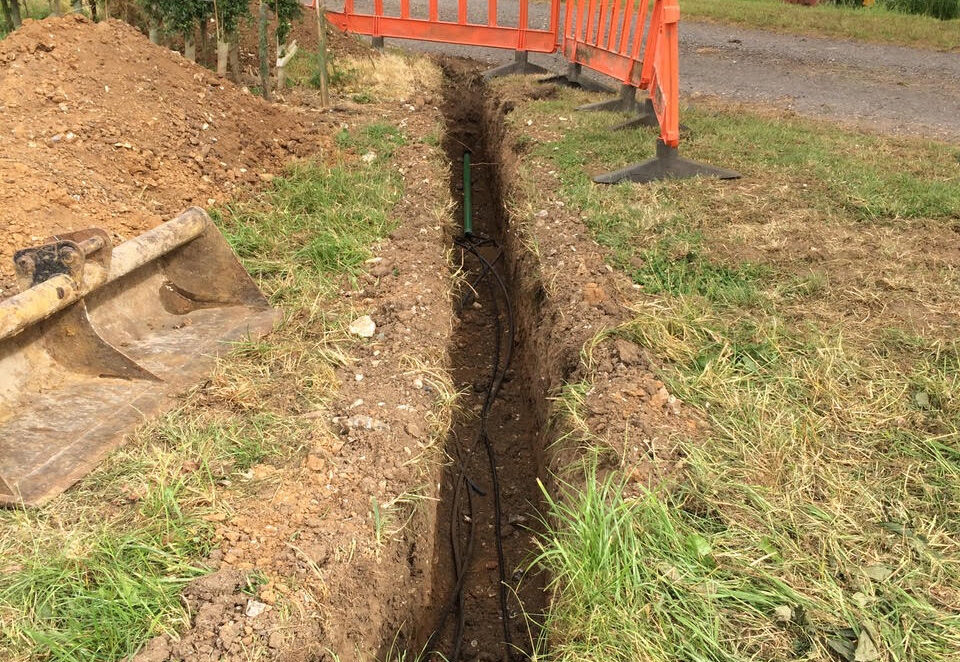
From our network cabinet we have buried a series of backbone fibre optic cables and junction boxes to reach the various villages, hamlets and farms in our area.
This has been possible given the overwhelming support of local estates, farms and land owners granting us appropriate permission (wayleaves) to cross their land. From the various buried junction boxes, branch fibre optic cables run under the perimeters of fields to reach individual communities.
To Your Home
To connect your property to our network, we need to bring a fibre optic cable from the connection point, near the boundary of your property, to the place in your property where you want your router.
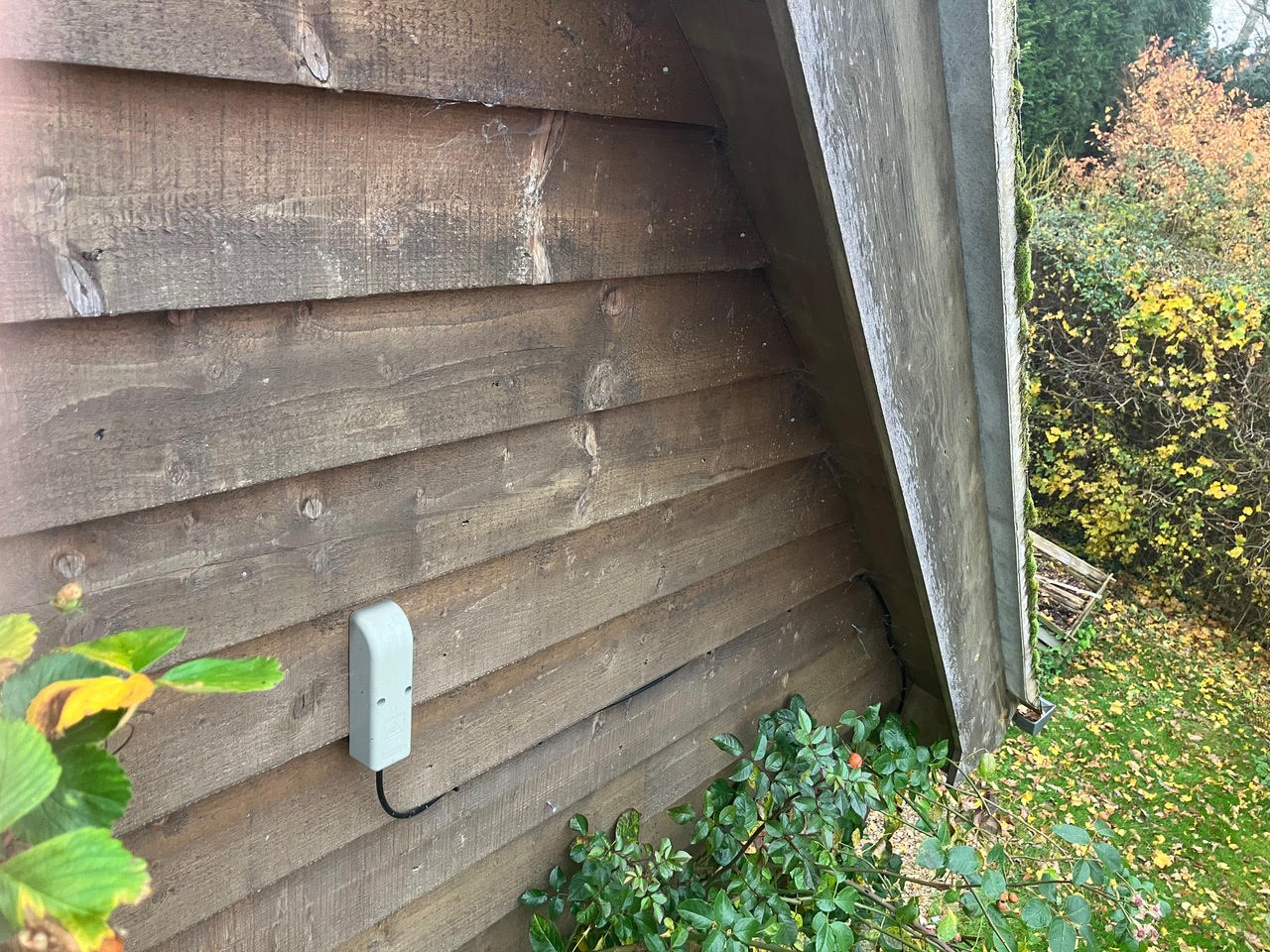
We will agree with you where to locate your router inside the subject building, the router must be within one metre of a power socket. The fibre runs from the router through a hole we will drill in your wall, down into the ground where it will then run back to connect to our network. If the router is located away from the point of entry into your property, we will run one metre of internal fibre cord between the entry point and the router. Longer cords are available to order.
We will also agree with you the route from your boundary across your garden to the exterior wall of the subject building, this we call the 'garden dig’, please insure the agreed route does not involve anybody else’s ownership (as we would need to secure his/her prior approval).
We will arrange a mutually convenient time for our contractor to complete the garden dig. The work is to be supervised by the property owner/occupier and a HCB director. You should take note of the garden dig route and depth of the fibre duct to avoid any future unintended damage, which would need to be repaired at your cost.
What Happens Next?
An HCB fibre engineer will visit to connect your router to our fibre network, test it, commission it and secure your sign-off at the time of service activation. You will be shown how to use the equipment supplied and a booklet concerning the workings of the router will be left on the premises. We recommend this is kept close to the router for future reference if needed.
There must be someone over the age of 18 at the property during the installation/connection visit. This is to protect us and you and to ensure that the installation is carried out as we have agreed. If you are not able to be present, please ensure that the adult who is present understands your requirements and has your authority to ’sign-off’ the connection.
When everything's done...
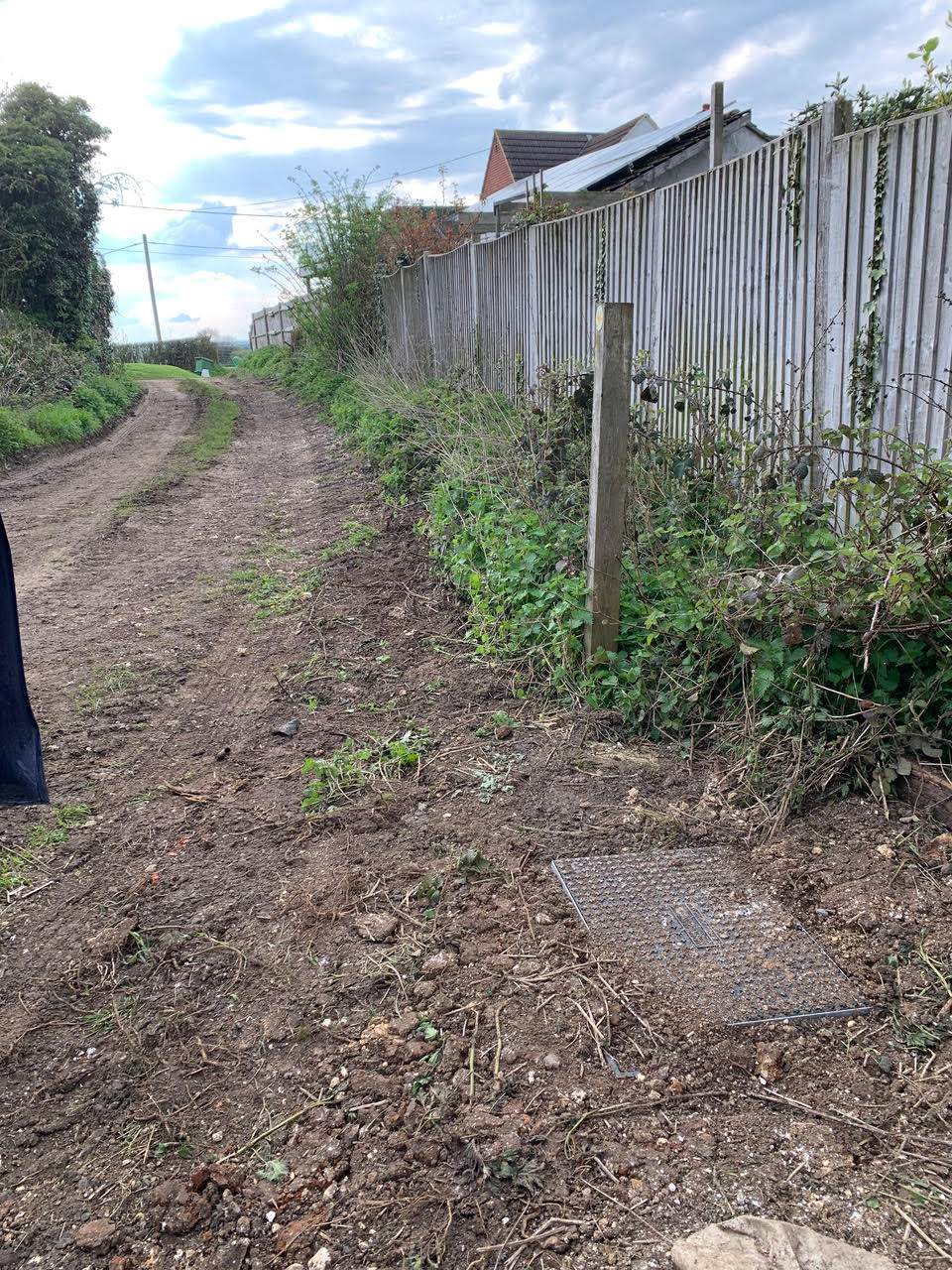
When the work is done you should find that everything has been left neat and tidy, holes are sealed with silicone and the ground outside has been reinstated as close as possible to its original state.
HCB will provide you the service you ordered via the Service Order Form on the website, subject to the contract terms (and terms and conditions) specified and deemed agreed between HCB and yourself at the time of placing your order. A copy of the Terms & Conditions can be found on our website.
Please remember the router and equipment installed remains in the ownership of HCB, and will be replaced if proven not fit for purpose. Alternatively, it is the customer’s responsibility not to damage the router or equipment. Replacements can be ordered at the customer's cost. On vacating the property the customer is required to arrange with HCB a mutually convenient time for HCB to collect the router.
HCB and many of its early customers were able to benefit from the Gigabit Broadband Voucher Scheme (‘GBVS’) where central Government provided ‘match funding’ to Alternate Networks like HCB to connect the 'harder to reach rural areas’ hitherto not serviced by the national providers as uneconomic.
Connections made under the GBVS are free from installation charges. Those outside the GBVS may have an "at cost" installation charge (agreed in advance) which will vary according to the property's proximity to our existing network.

GBVS's Beneficiary T&Cs
For installations under the GBVS please refer to the GBVS's Beneficiary T&Cs.